
Sorted by the date they were taken
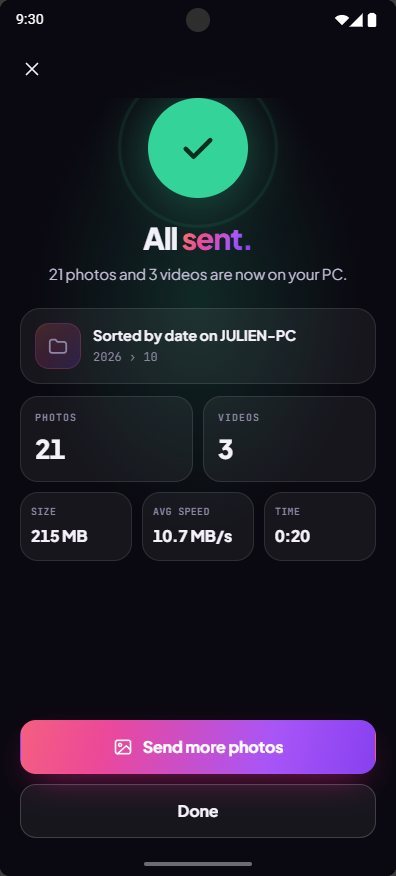
Pixfolia reads the EXIF data of every photo and builds a clean year and month structure. No renaming marathon.
Send photos from the new Pixfolia app on your Android phone, or sort the folders already on your PC. Every photo is filed by the date it was taken, over your own Wi-Fi. No cable, no cloud, no account.
Pixfolia runs on Windows. Open this page on your PC, or
Scan it with your phone's camera.
On a Windows PC? Download for Windows

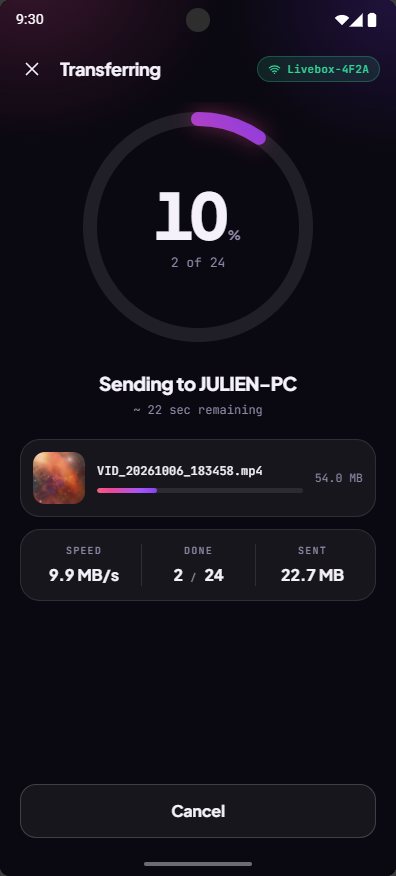
Pick photos on your phone and send them to your PC over your own Wi-Fi. Each one lands in its year and month folder. No cable, no cloud, no account.

It works with Pixfolia on your Windows PC, free too. Send yourself the link
Set it up once in a couple of minutes. After that, your photos find their place on their own.
Free for Windows 10 & 11. It installs in about a minute, with no account to create.
Pixfolia Mobile is free on Google Play. The iPhone app is coming soon.
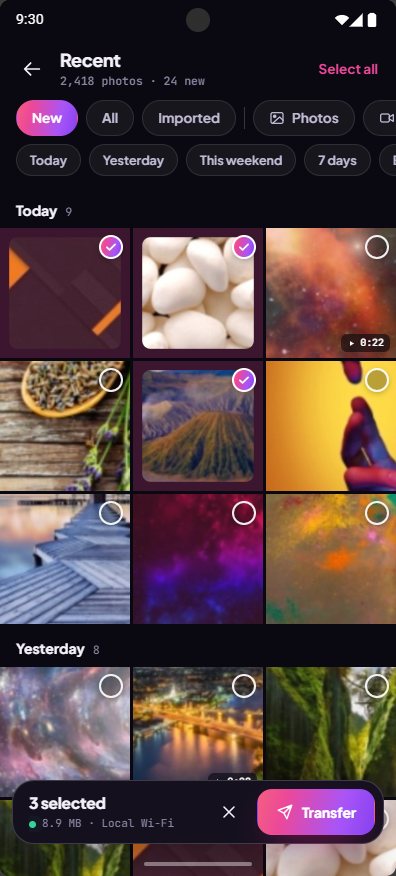
Scan the QR code shown on your PC. Then pick your photos and tap Transfer: they land sorted by date.
The app sends your photos to Pixfolia on your Windows PC. Install it there once: it's free and takes a minute.
Or type pixfolia.com on your computer.
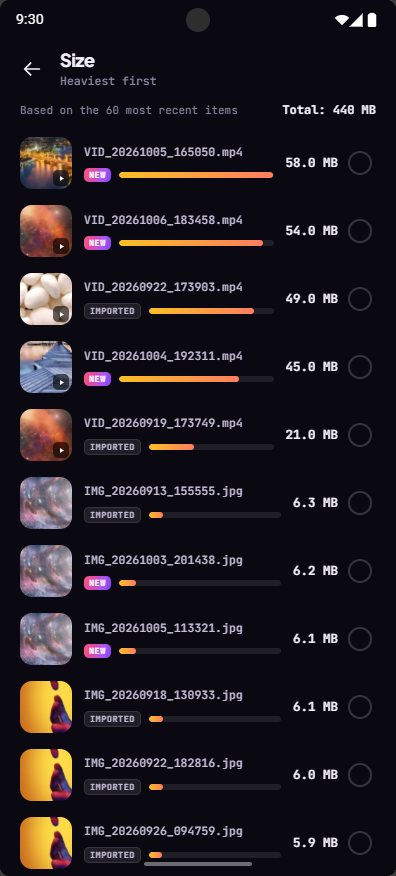
Windows 10 & 11 · macOS coming soonChoose what to send in a few taps, then send it all over your own Wi-Fi.
 iPhone: coming soon
iPhone: get an email at launch
iPhone: coming soon
iPhone: get an email at launch
Works with Pixfolia for Windows today, and with the Mac version at launch.
Years of photos scattered across Downloads, old backups and SD cards. Pick a source folder, pick your library, and Pixfolia puts everything in order.
D:\Old backup\DCIMC:\Users\Léa\PicturesA folder, an external drive, an SD card straight from your camera.
Keep the originals where they are, or clean up the source as you go.
Photos already in your library are recognized and skipped.
Files are copied exactly as they are. No recompression, no information added or removed.
Videos are sorted by date alongside your photos, in the same folders.
Pixfolia reads the EXIF data of every photo and builds a clean year and month structure. No renaming marathon.
Photos go straight from your phone to your PC. They never pass through our servers.
A small background agent keeps your PC listening, so transfers start the moment you hit Send.
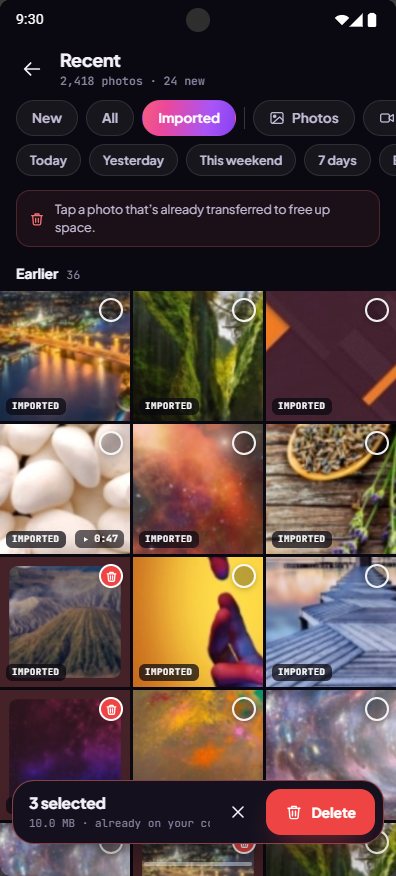
Photos you already imported are recognized and left out. No double copies.

Photos already on your PC are marked. Delete them from your phone in one go.
Install Pixfolia on your PC, get the app on your phone, and let it sort everything by date.
Get the app, install Pixfolia on your PC, and let it sort everything by date.
Leave your email and we'll write to you the day it's out.
Three quick steps and you're done.
Pixfolia-stable-Setup.exe from your Downloads folder.Download warning in Edge? Pixfolia is new, so Edge may say the file isn't commonly downloaded. Open the download menu (…), choose Keep, then Show more › Keep anyway.
Edge warning? Click … › Keep › Show more › Keep anyway.
Download blocked by Chrome? Pixfolia is new, so Chrome may flag it as suspicious. Click the download icon, select Pixfolia-stable-Setup.exe (›), then choose Download suspicious file.
Blocked by Chrome? Select the file (›) › Download suspicious file.
Download warning in Firefox? Pixfolia is new, so Firefox may say the file is not commonly downloaded. Open the Downloads panel, click the arrow (›) next to Pixfolia-stable-Setup.exe, then choose Allow download.
Firefox warning? Select the file (›) › Allow download.
Download warning? Pixfolia is new, so your browser may say the file isn't commonly downloaded. Open your browser's downloads list and choose to keep Pixfolia-stable-Setup.exe.
Browser warning? Keep the file from your downloads list.