Sorted by the date they were taken
Pixfolia reads the EXIF data of every photo and builds a clean year and month structure. No renaming marathon.
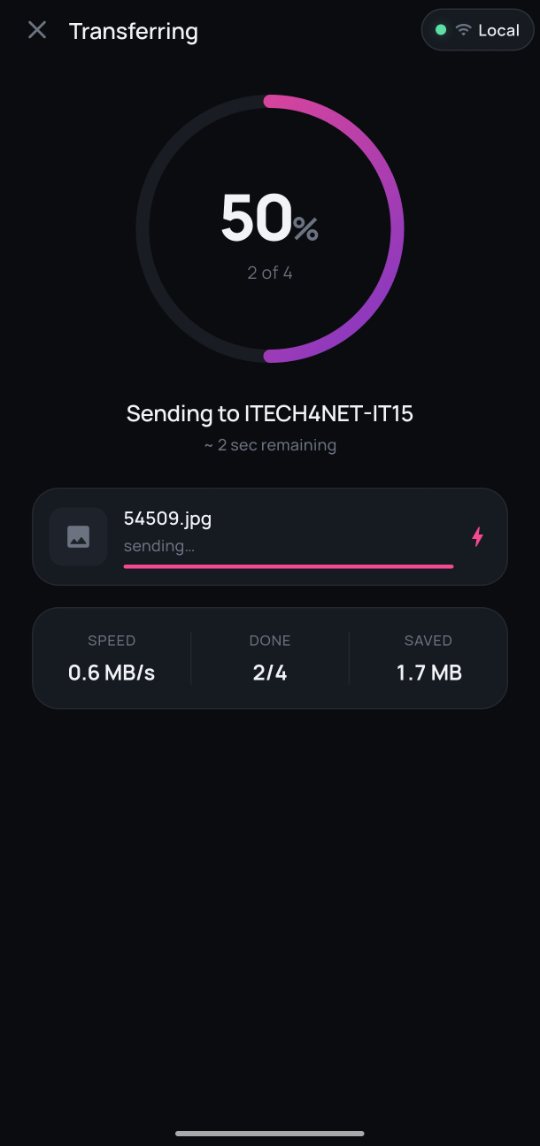
Pixfolia pulls the photos off your phone over your own Wi-Fi and files them by the date they were taken. No cable, no cloud, no account.
Pixfolia runs on Windows. Open this page on your PC, or
Set it up once in a couple of minutes. After that, your photos find their place on their own.
Download the installer and run it. It takes about a minute, and there's no account to create.
Scan the QR code shown on your PC. Both devices just need to be on the same Wi-Fi.
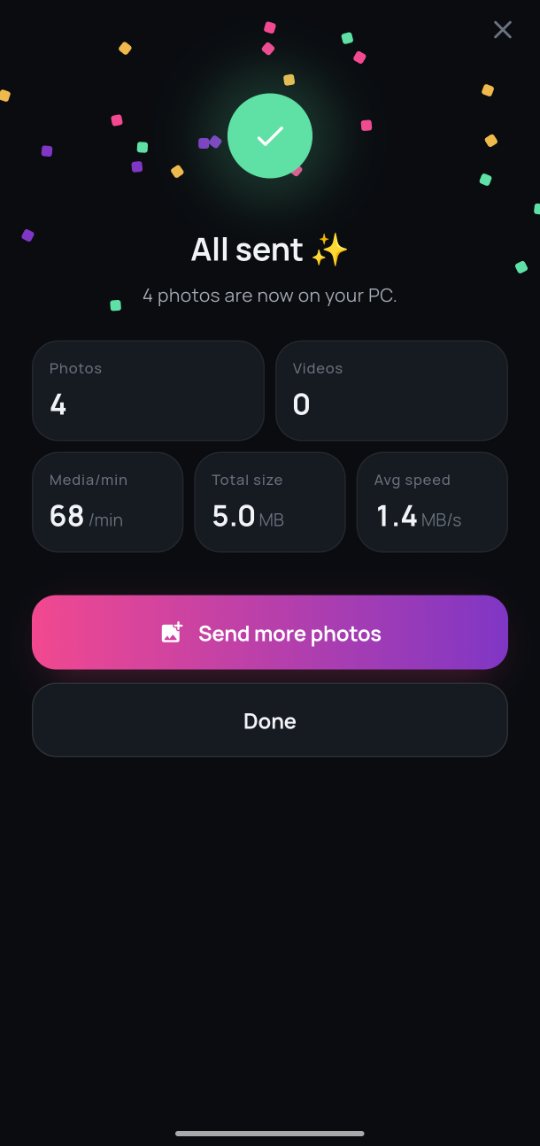
Hit Send on your phone. Every photo is filed into year and month folders, duplicates skipped.
Pixfolia reads the EXIF data of every photo and builds a clean year and month structure. No renaming marathon.
Photos go straight from your phone to your PC. They never pass through our servers.
A small background agent keeps your PC listening, so transfers start the moment you hit Send.

Photos you already imported are recognized and left out. No double copies.

Filter new photos by day, select in a tap, send in one go.
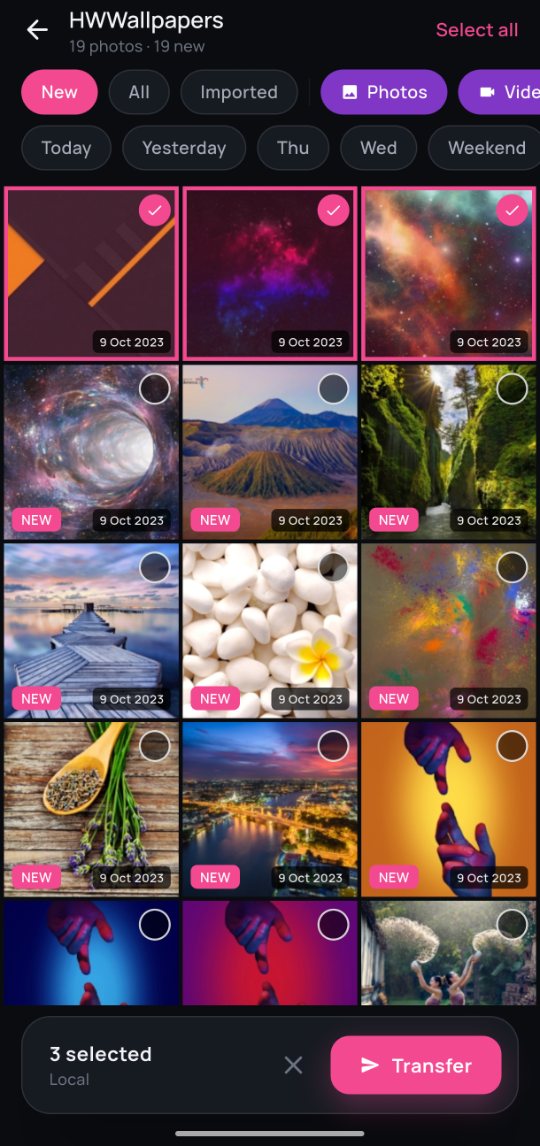
Native iOS and Android apps that send every new photo to your PC library, over your own Wi-Fi.
 Coming soon
 Coming soon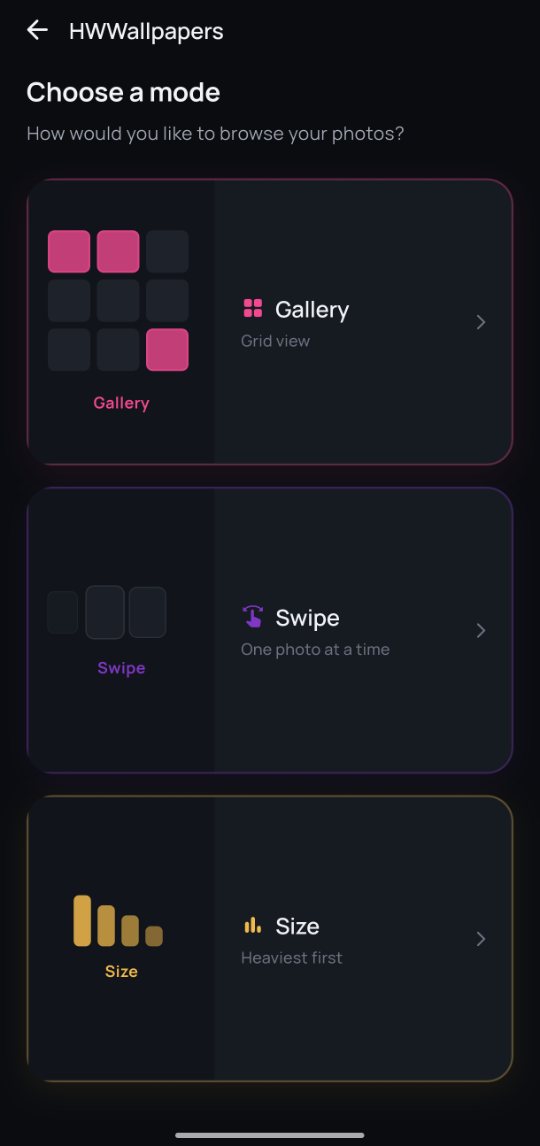
Install Pixfolia, pair your phone, and let it sort everything by date.
Three quick steps and you're done.
Pixfolia-stable-Setup.exe from your Downloads folder.